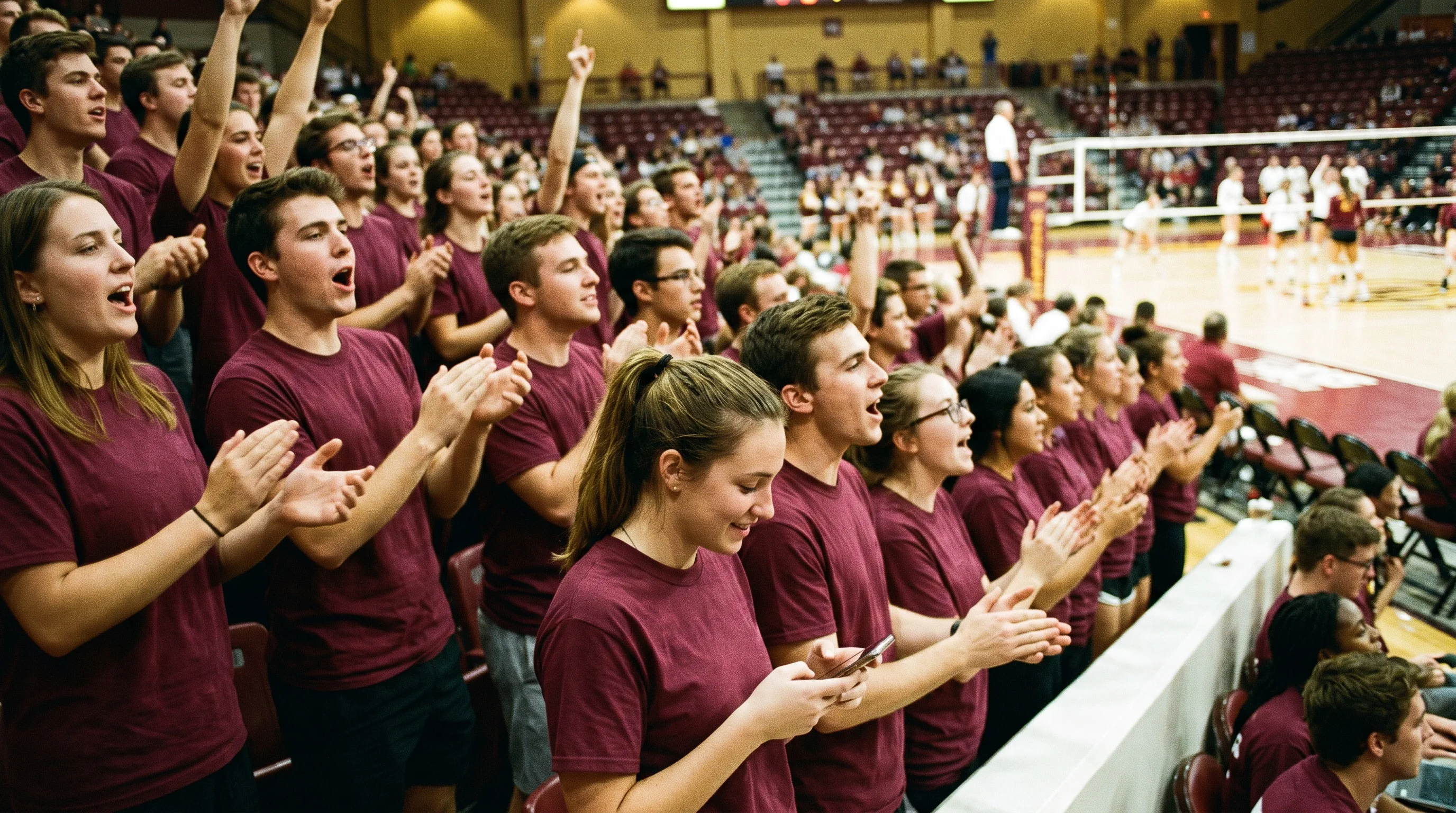
Use case · College Athletic Department
College Student Section Leaderboard
Attendance you can rank, name, and put in front of your sponsors.
The scenario and its numbers are an example. The campaign types are real.
- Club type
- College Athletic Department
- Campaign type
- Event Check-in
- Recommended plan
- City · up to 10,000 fans
- Reading time
- 4 min
01 · The problem
Football Saturday fills the stadium. Tuesday volleyball plays to a crowd nobody can prove exists.
Every athletic department has both crowds. Follower counts and impressions measure neither, and they mean little across the table from your president at budget time.
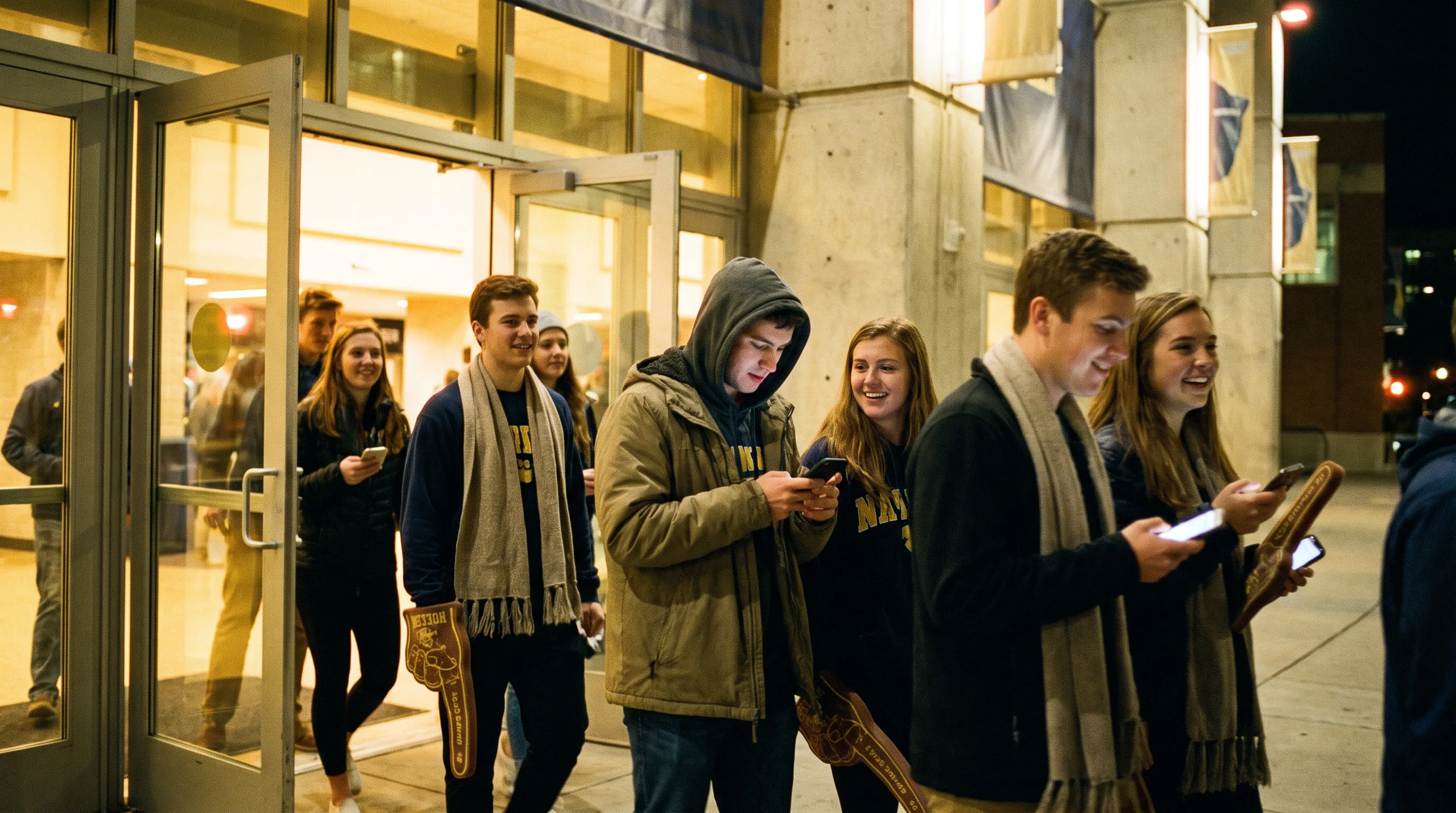
With Game Set Engage each home game is an event with a check-in campaign. Students check in from the app at the venue, location-verified, one check-in per fan per game. The ranking lives in your dashboard, with names.
02 · How it works
Every home game, in every sport, counted the same way.
Check in
One per fan, per game
Students check in from the app at the venue. The app confirms the location, and each fan can check in once per game.
Link
Reward the second game too
Link one campaign to another as a bonus campaign. A fan who checked in on Saturday sees extra points on offer for checking in on Tuesday.
Rank
Your dashboard ranks your top fans
Each fan builds a running points total with the department. The dashboard ranks the top ten, and each campaign shows its check-ins by place.
03 · Example scenario
Brockmore State
19 sports and 6,200 fans following the department in the app, on the City plan.
- Fans following the department
- 6,200
- Sports with home games
- 19
- Fans who checked in at least once
- 2,900
- Check-ins by the top fan
- 41
-
August
An event for every home game
The department creates an event for every home game, football, volleyball and both basketball teams among them, and gives each one a check-in campaign. It sets 500 points for being at the venue and 100 from anywhere else.
-
Each week
Saturday links to Tuesday
Tuesday volleyball's campaign is linked to Saturday football's as a bonus campaign. Fans who came on Saturday see an extra 10 points on offer for Tuesday, on the campaign in the app.
-
November
2,900 named fans
By November 2,900 fans have checked in at least once, and the top fan has 41 check-ins across five sports. The same 15 names keep appearing at the smaller sports.
-
Budget time
A count per game, with names
The sponsor deck stops saying 'great student atmosphere'. It says how many fans checked in at the venue, game by game. The department posts the top ten on the big screen itself.
04 · Why it works
The count is the asset, winning season or not.
-
Check-ins are location-verified in the app, one per fan per game.
-
A bonus campaign gives Saturday's football crowd a reason to turn up for Tuesday volleyball.
-
Your dashboard ranks your top ten fans by points, all season.
-
Bring sponsors and the budget meeting a count per game, with names behind it.
Built for the City plan
Set up check-ins for your next home game. The City plan covers up to 10,000 fans, and you can start free on Local.
05 · Questions
Before the first home game.
Can students see the leaderboard in the app?
No. A student sees their own points with the department in the app, and any bonus on offer. The ranking is on the department's side: the dashboard lists the top ten fans by points. To make it public, put it on the big screen or post it yourself.
How is a check-in verified?
By the phone's location, in the Game Set Engage app. To earn the venue points the student has to be within about 100 metres of the place set for the game, during the check-in window. Each fan checks in from their own phone, once per game.
What is a bonus campaign?
It is a link between two campaigns. You attach a bonus to one campaign for fans who took part in another, such as extra points on Tuesday's check-in for fans who checked in on Saturday. Fans see the bonus on the campaign in the app.
More City plan examples
Same plan, different clubs.
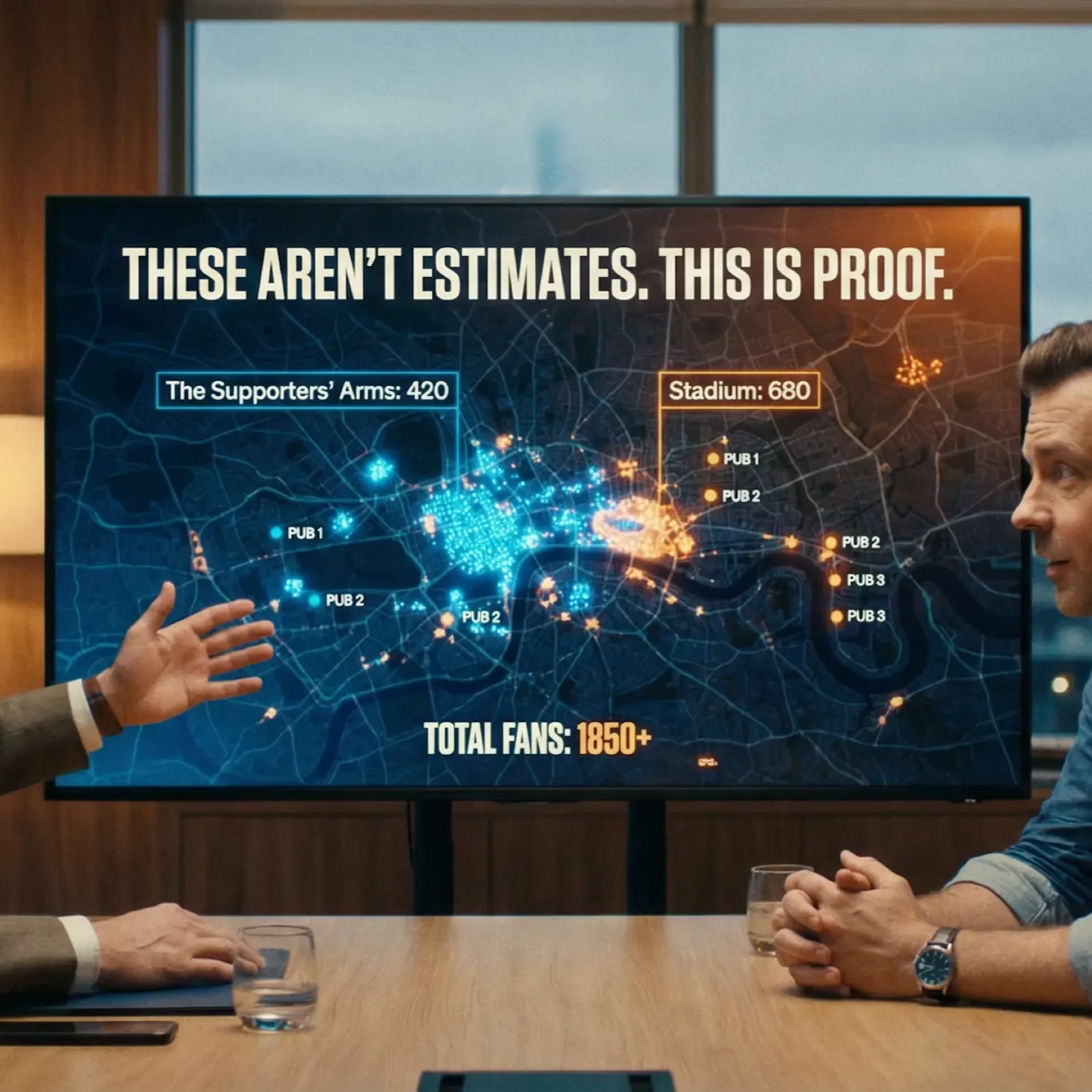
Event Check-in
City Football Supporters Match Day Network
See who checks in where on match day: at the ground, at a partner pub, or anywhere else.
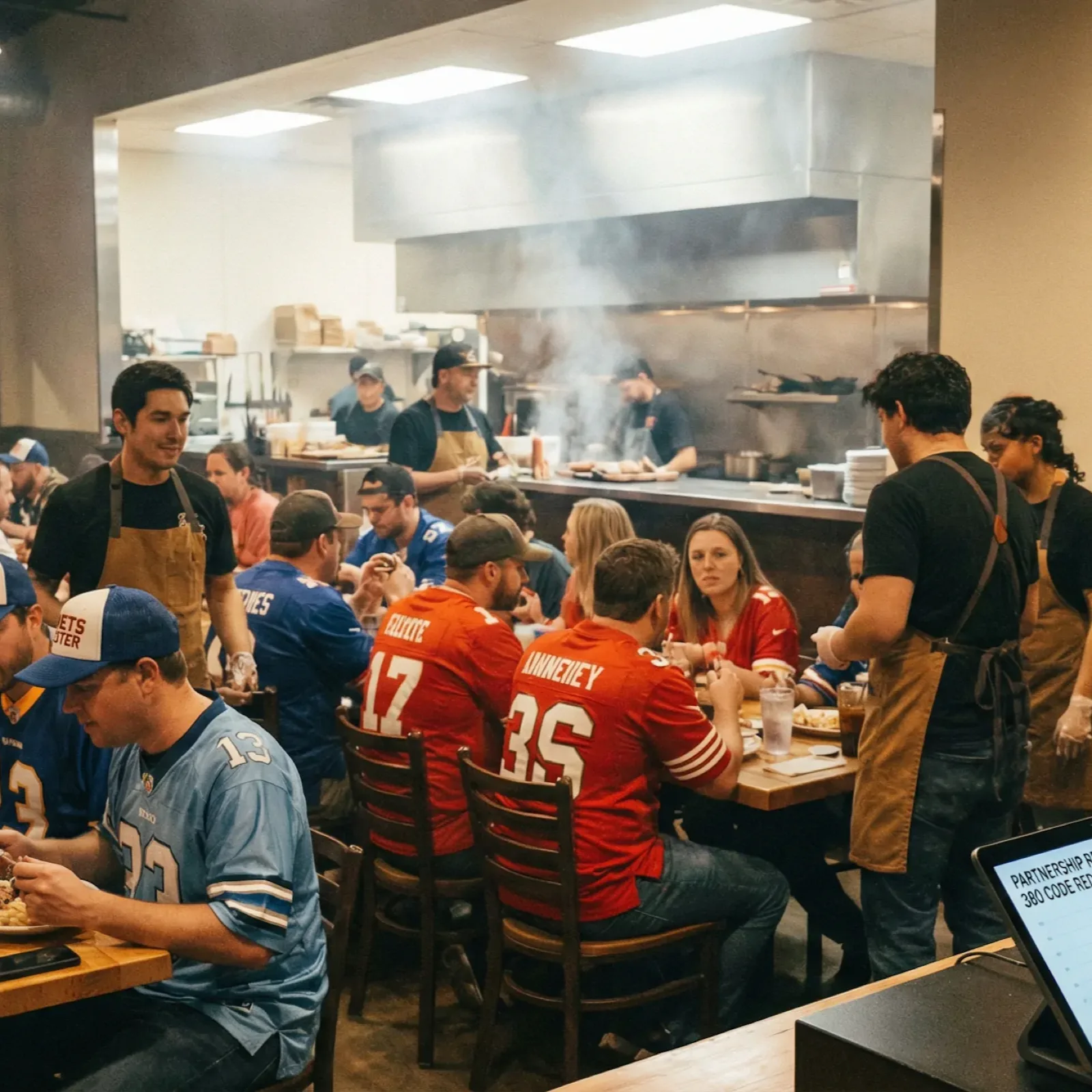
Special Deal Code
College Football Game Day Exclusive Deals
One code per booster, and a list of who claimed each one.
Survey
City Basketball Fan Experience Survey
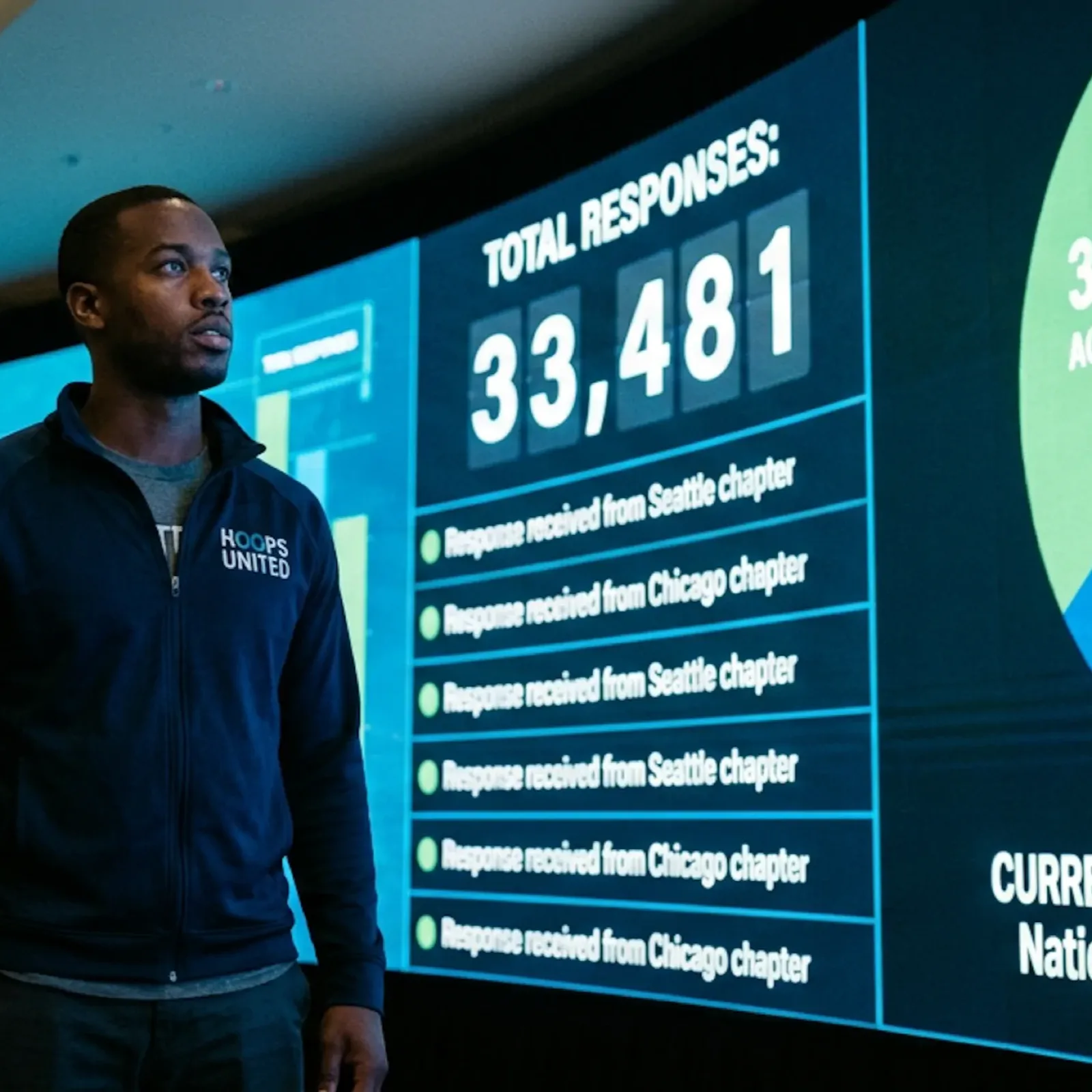
Ask your fans three questions about game night, and see every answer by name.
Auction
Women's Volleyball Season Highlight Auction
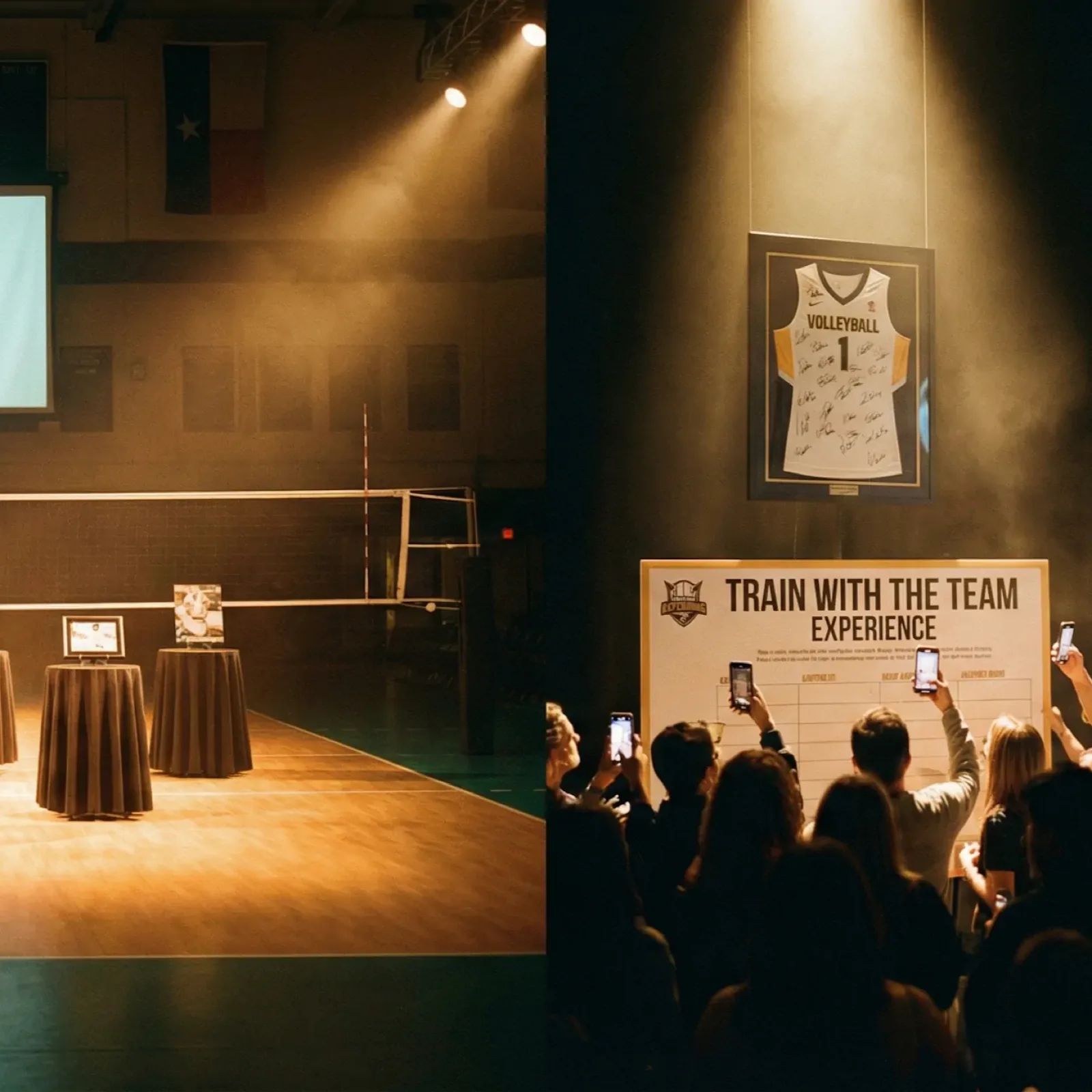
Fans spend their season's points on signed kit, a day with the team and courtside seats.
Your first campaign takes 5 minutes.
Set up a campaign like this one. Free to start, no credit card.