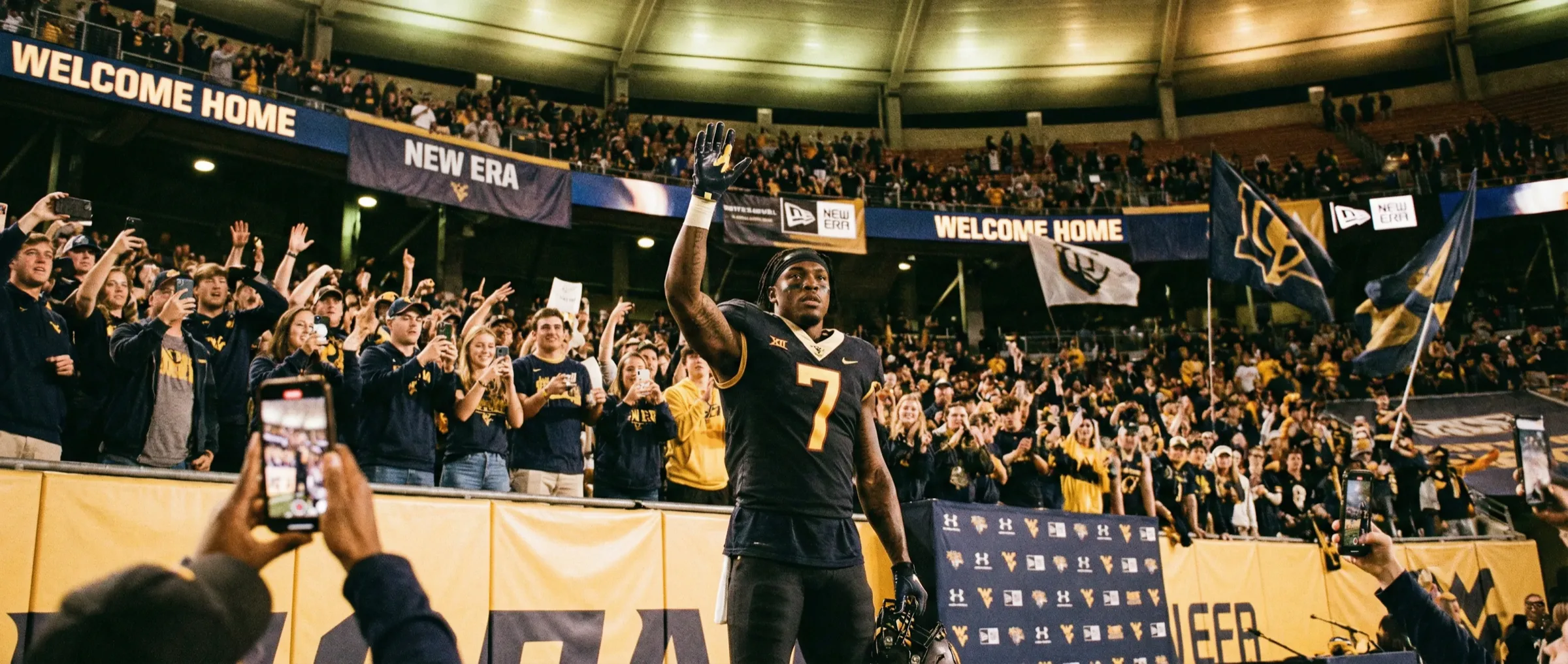
Use case · National American Football Fan Community
American Football New Signing Fan Event
Turn a signing announcement into an event your fans check in at.
The scenario and its numbers are an example. The campaign types are real.
- Club type
- National American Football Fan Community
- Campaign type
- Event Check-in
- Recommended plan
- National · up to 100,000 fans
- Reading time
- 4 min
01 · The problem
A big signing is the story of the off-season. It usually lasts as long as a social post.
A roster move sets off a wave of fan energy, and the club spends it on a press release and a room of journalists. By the evening it has gone, and the club has no list of the fans who cared most.
On Game Set Engage the welcome is an event with a check-in campaign. Fans who come to the stadium check in from the app, location-verified. You can limit the places, and you finish the day with a count and the names behind it.
02 · How it works
An event, a limit on places, a check-in at the stadium.
Announce
The welcome is an event
Create an event at the stadium for the day and give it a check-in campaign. Set the points for checking in.
Limit
Set a participation quota
A quota caps how many fans can check in. When it is reached, the app tells later fans that all the places have been claimed.
Count
Who came, by name
The campaign shows the check-in count as it happens and a heatmap of where fans checked in. Each fan's points go to their total with the club.
03 · Example scenario
Atlantic City Ironclads
38,000 fans following the club in the app, on the National plan, the week a new quarterback signs.
- Fans following the club
- 38,000
- Places at the welcome event
- 2,000
- Fans who checked in at the stadium
- 1,840
- Points for each check-in
- 500
-
Signing day
The club creates the event
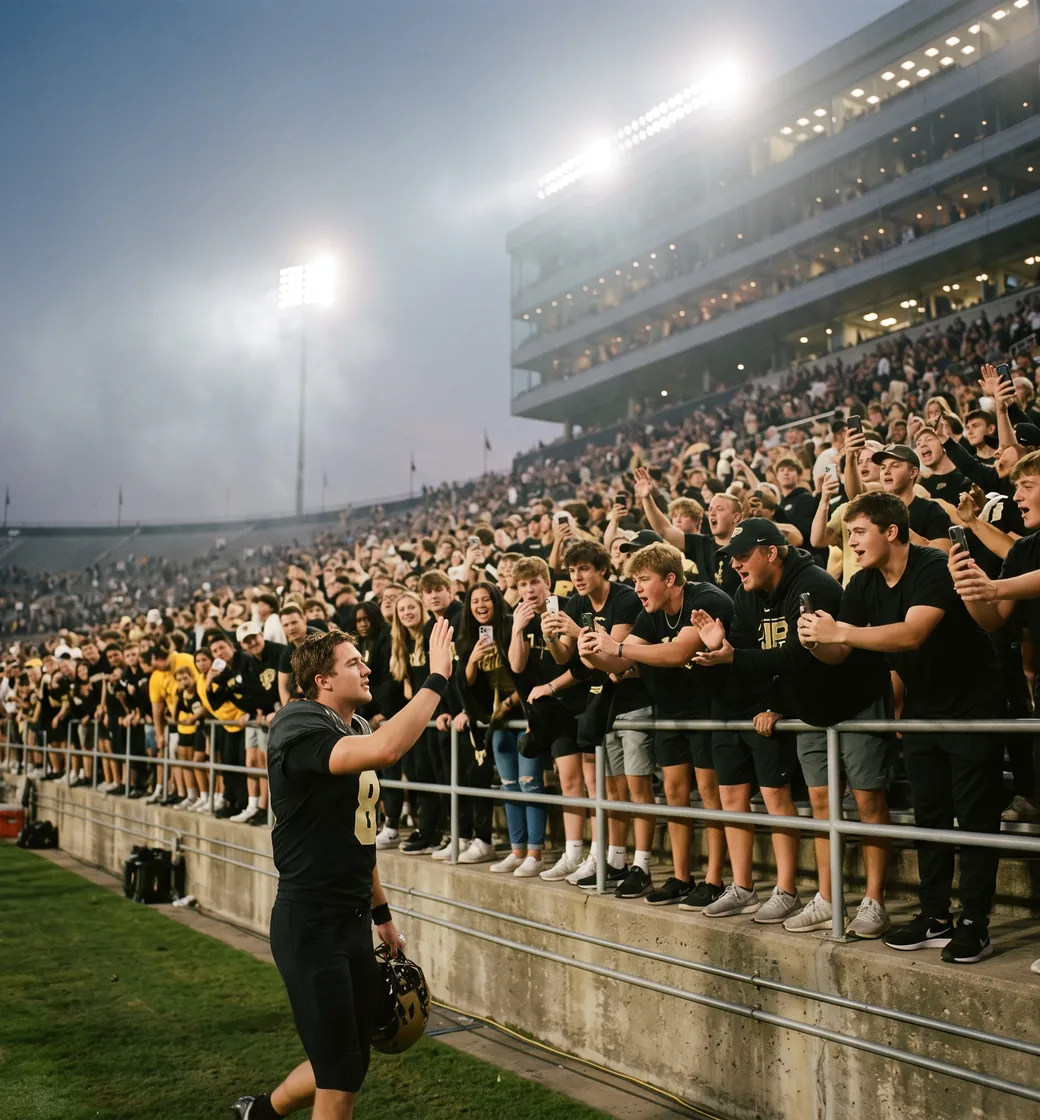
The club signs a quarterback and creates a welcome event at the home stadium for Saturday, with a check-in campaign worth 500 points.
-
The limit
2,000 places
The club sets a participation quota of 2,000 and switches off check-ins from anywhere else, so every place goes to a fan who is at the stadium.
-
Saturday
1,840 fans check in
Fans check in from the app as they arrive, once each. The campaign page counts them as it happens.
-
Afterwards
A named list for the club
A segment of fans who joined the campaign lists all 1,840 by name. The dashboard ranks the club's top ten fans, and the club invites them onto the field to meet the player. It takes the count to its sponsor meeting.
04 · Why it works
The announcement leaves a list of names behind.
-
Fans check in at the stadium, location-verified in the app, once each.
-
A participation quota caps the places and tells later fans when they are gone.
-
Know by name which fans turned up on a day with no game.
-
Bring a sponsor the count from the event, from your own fans.
Built for the National plan
Set up a check-in for your next fan event. The National plan covers up to 100,000 fans, and you can start free on Local.
05 · Questions
Before you announce it.
Can we limit how many fans take part?
Yes. Set a participation quota on the check-in campaign. It counts check-ins made in the app, and when it is reached the app shows later fans that all the places have been claimed. With check-ins from anywhere else switched off, a fan also has to be at the stadium during the check-in window.
Does the quota replace tickets?
No. Game Set Engage has no tickets and no seat reservations. The quota caps how many fans can check in and earn the points. If the event needs controlled entry, handle that the way you handle any other event, and use the check-in to record who came.
Can fans who are not at the stadium take part?
They can check in from anywhere else for fewer points, if you leave that option on. Those check-ins count against a quota, so for an event with limited places it makes sense to switch them off, as the club in this example does.
More National plan examples
Same plan, different clubs.
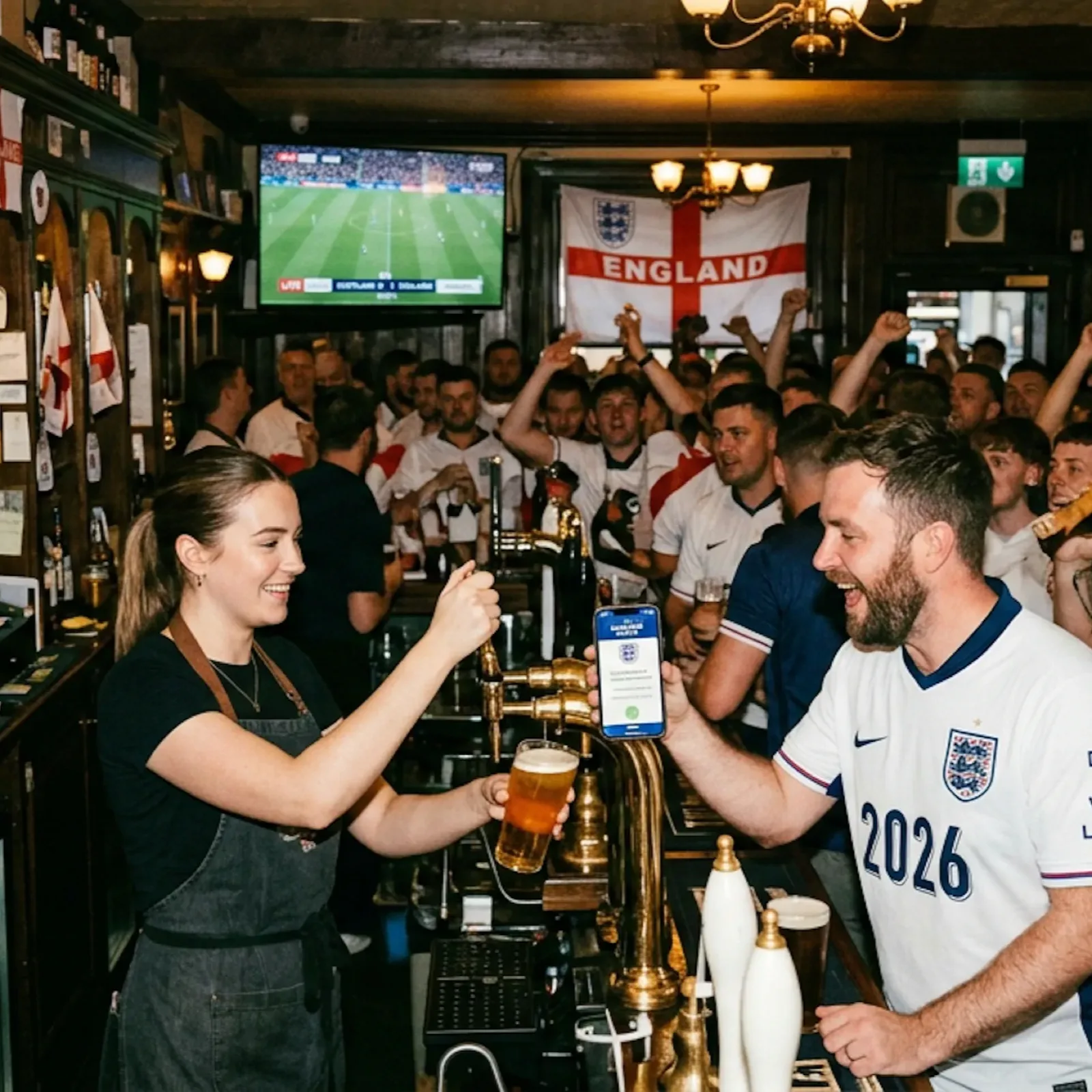
Event Check-in
National Football Supporters Venue Network
Match-day check-ins at 85 partner venues in 30 cities, for one supporters club.
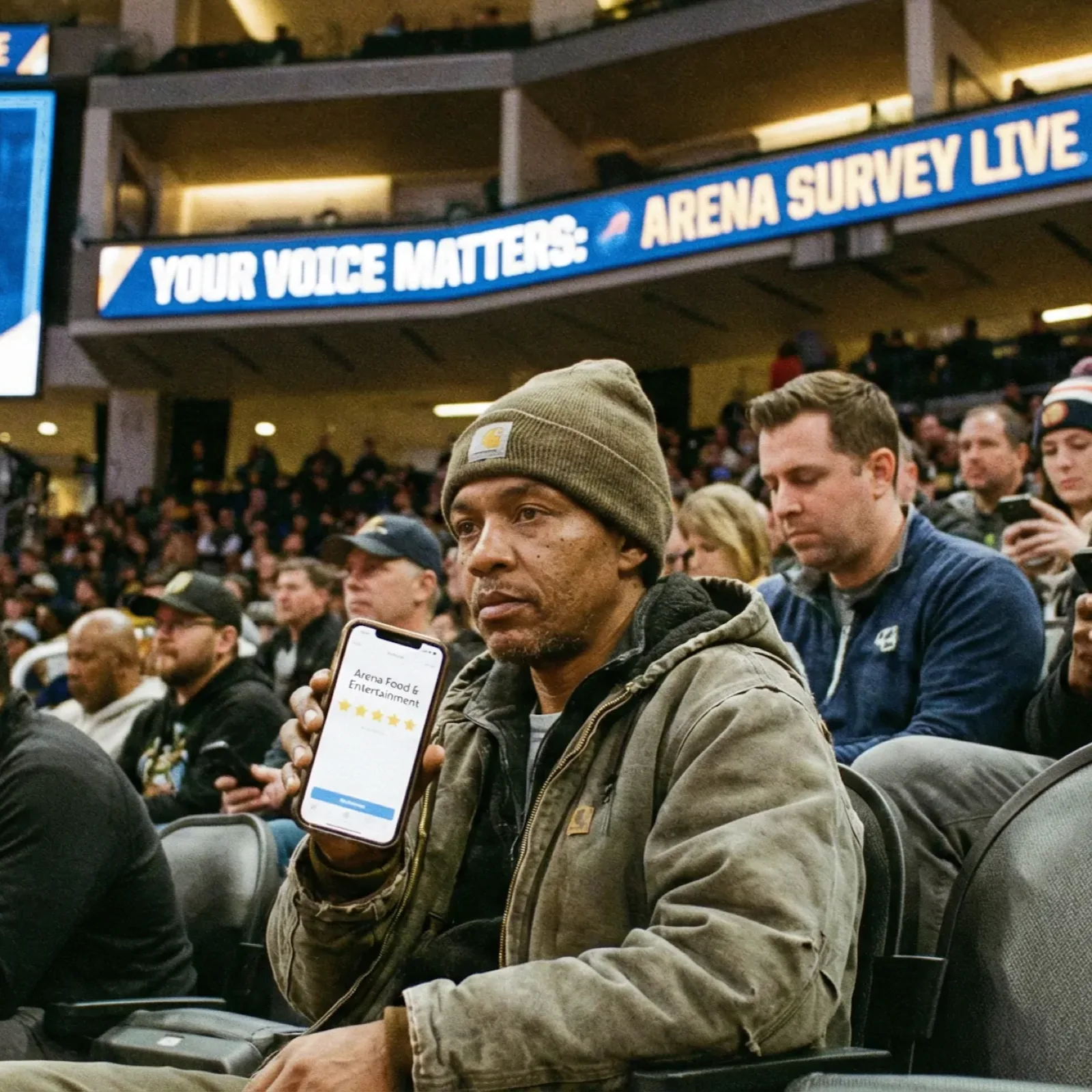
Survey
National Basketball Fans League Direction Survey
Ask your members three questions, and take named answers to the league.

Special Deal Code
Marco Valenti's Fan Exclusive Sponsor Deals
A tennis pro gives each of his fans their own code from a sponsor, and sees who claimed one.
Event Check-in
College Alumni Watch Party Network
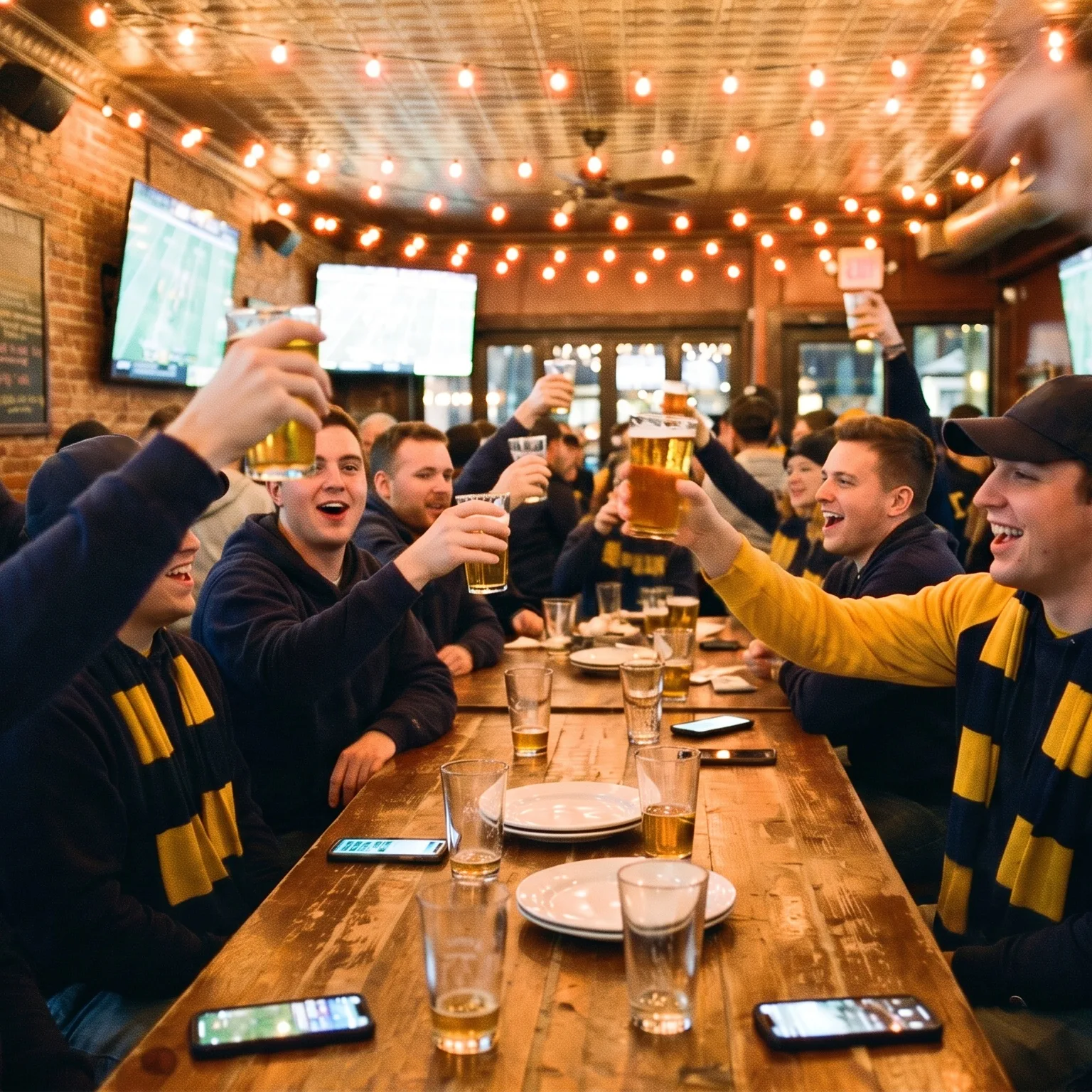
An alumni bar in any city can become part of the program.
Your first campaign takes 5 minutes.
Set up a campaign like this one. Free to start, no credit card.